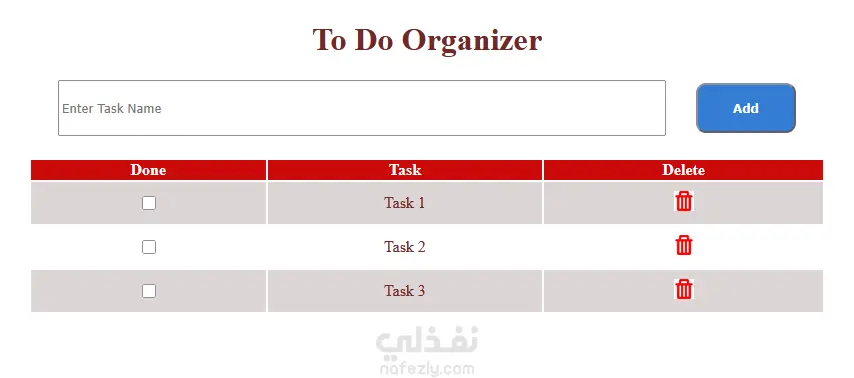
A simple to-do list webpage where users can add, complete, and delete tasks. It includes an input field and an “Add” button that lets users enter a task, which is then displayed in a styled table. Each task appears with a checkbox to mark it as done (adding a line-through effect) and a delete icon to remove it after confirmation. The design uses basic CSS for layout, colors, and spacing, while JavaScript handles the dynamic actions like adding new tasks, toggling completion, and deleting tasks, making the page interactive and easy to use.