Premium Drug
تفاصيل العمل
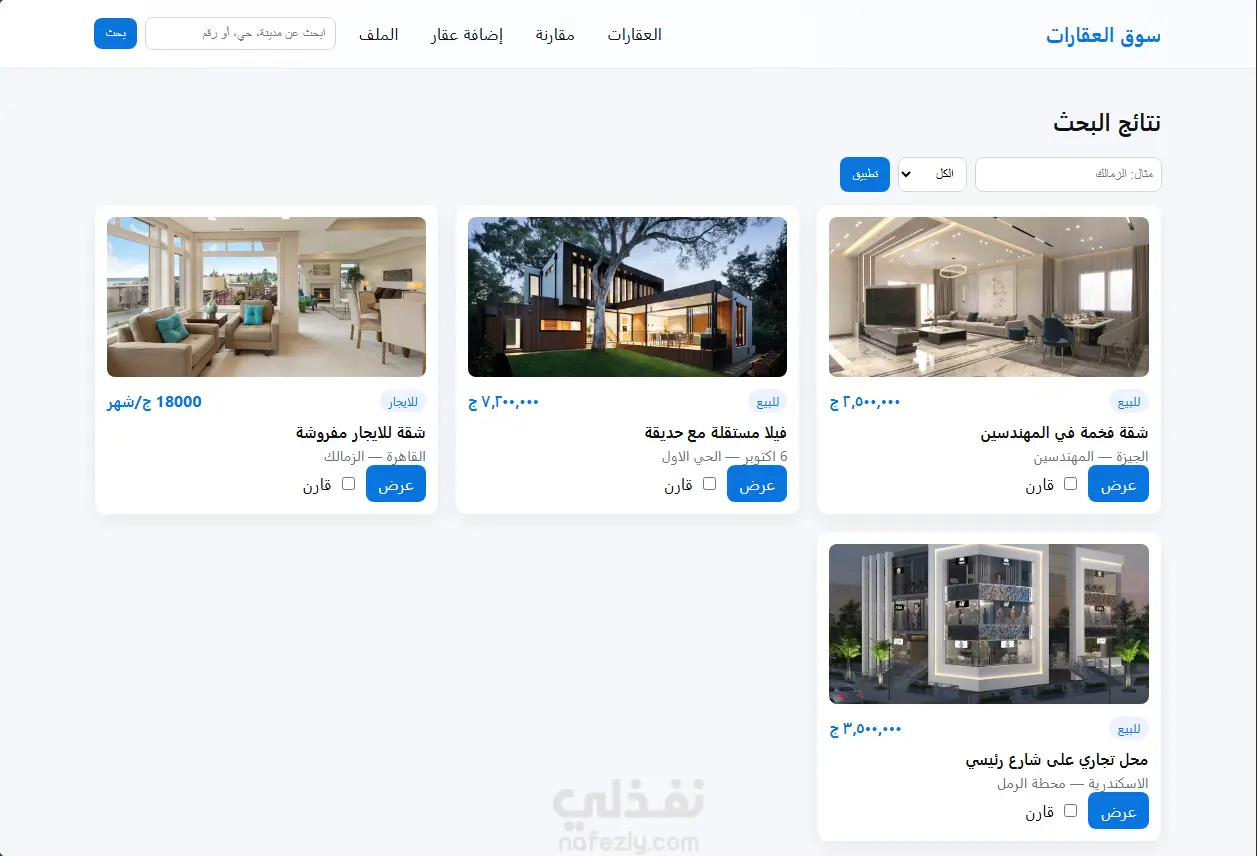
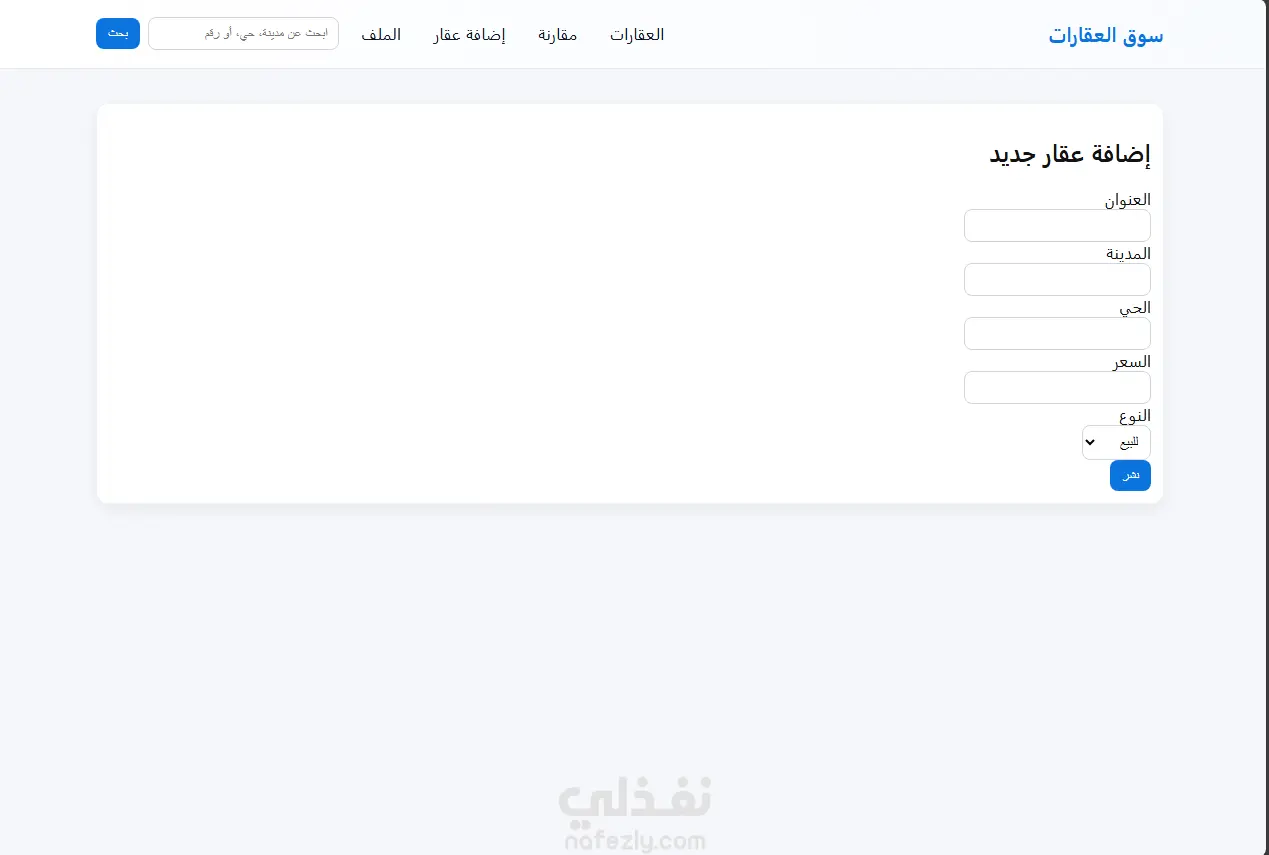
Home Page Quick search bar to find properties by city, neighborhood, or property type. View featured property suggestions. Simple interface helps users start browsing immediately. 2. Listings Page Filterable property list by location, type (sale/rent), or keywords. Property cards include: High-quality image Address Price City and neighborhood "View Details" and "Add to Compare" buttons 3. Property Details Page Comprehensive information display: photos, price, size, rooms, location. Dedicated section for quick details. Contact the advertiser. 4. Compare Page Compare the features of several properties in an organized table. Easier decision-making, especially among similar options. 5. Add New Property Simple form allows you to add a property with the address, city, price, type, etc. It is added directly to the displayed listings. 6. Profile Page View account holder information Option to access their ads or edit some information
بطاقة العمل

طلب عمل مماثل